 Quran video maker
A verse worth sharing, in seconds.
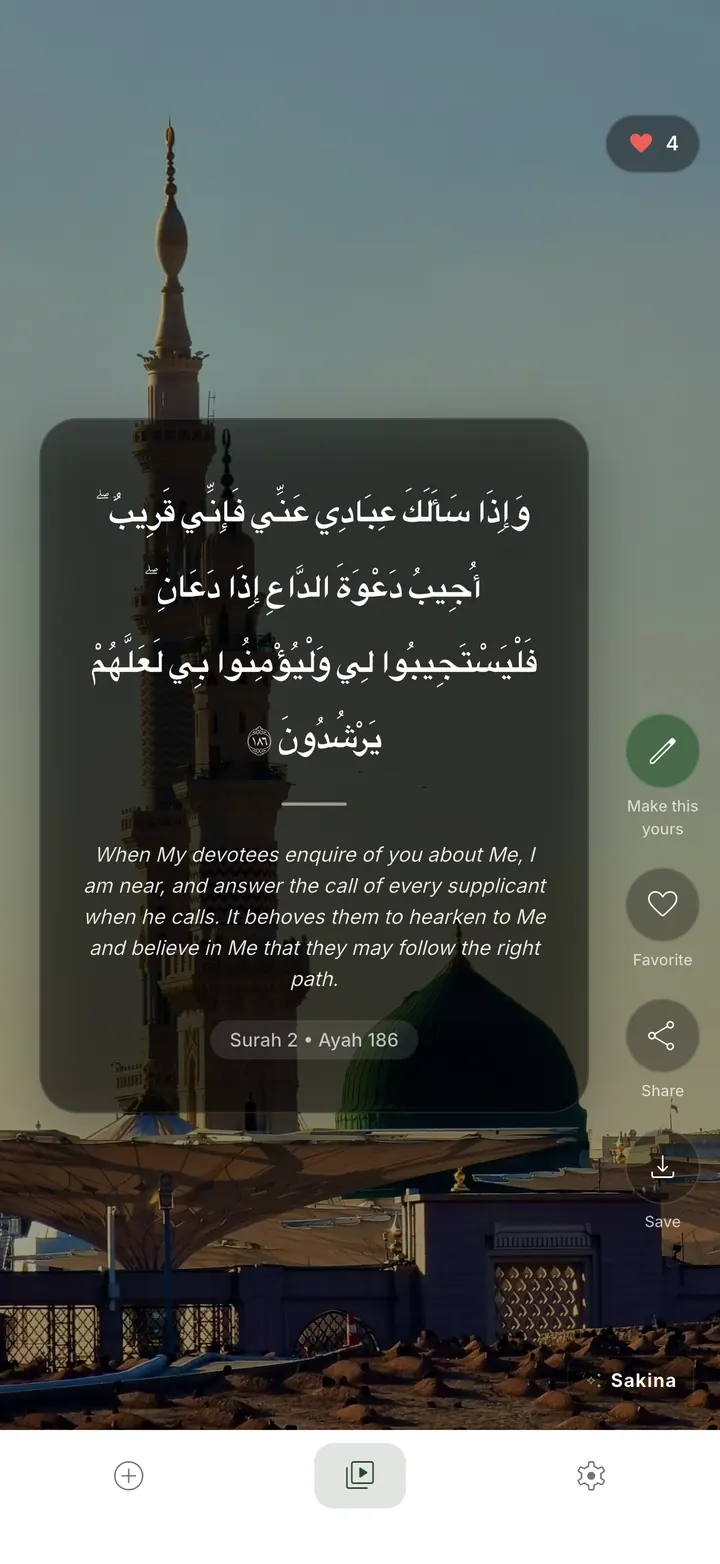
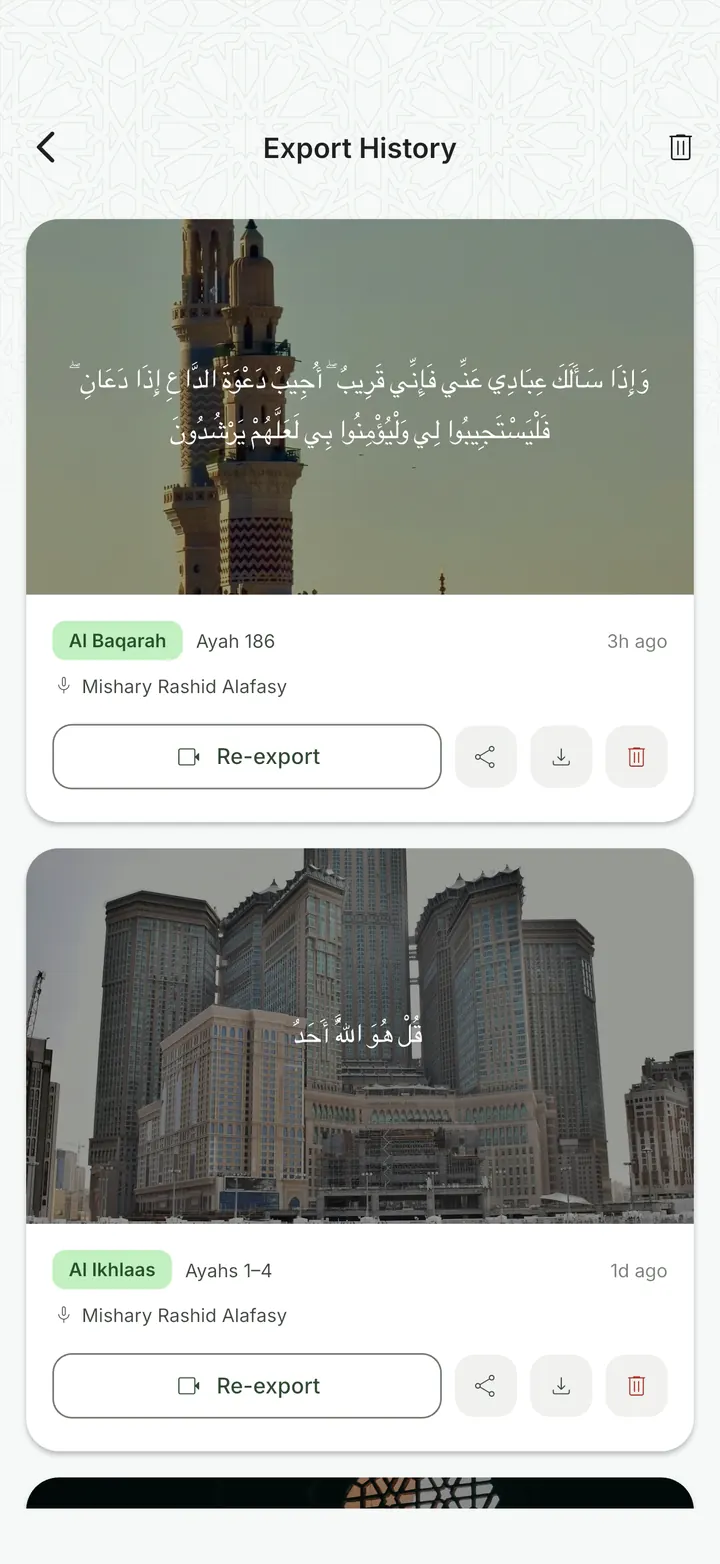
Choose a verse and a reciter, set it over one of Sakina’s photographs or your own, and export a recited video for Reels, TikTok, Shorts or your status. No account, no editing.
Free on iPhone, iPad and Android. 3 videos a day free; Sakina Pro makes it unlimited.
Frames
Made for wherever you share it
Every video exports in the shape the platform wants, at full resolution — the frame is a choice in the editor, not a crop afterwards.
 Sakina
9:16 Reel
1080 × 1920
Reels, TikTok and Shorts
- Sakina
1:1 Square
1080 × 1080
The Instagram feed
- Sakina
16:9 Wide
1920 × 1080
YouTube
How it works
Three steps, about a minute
Choose your canvas
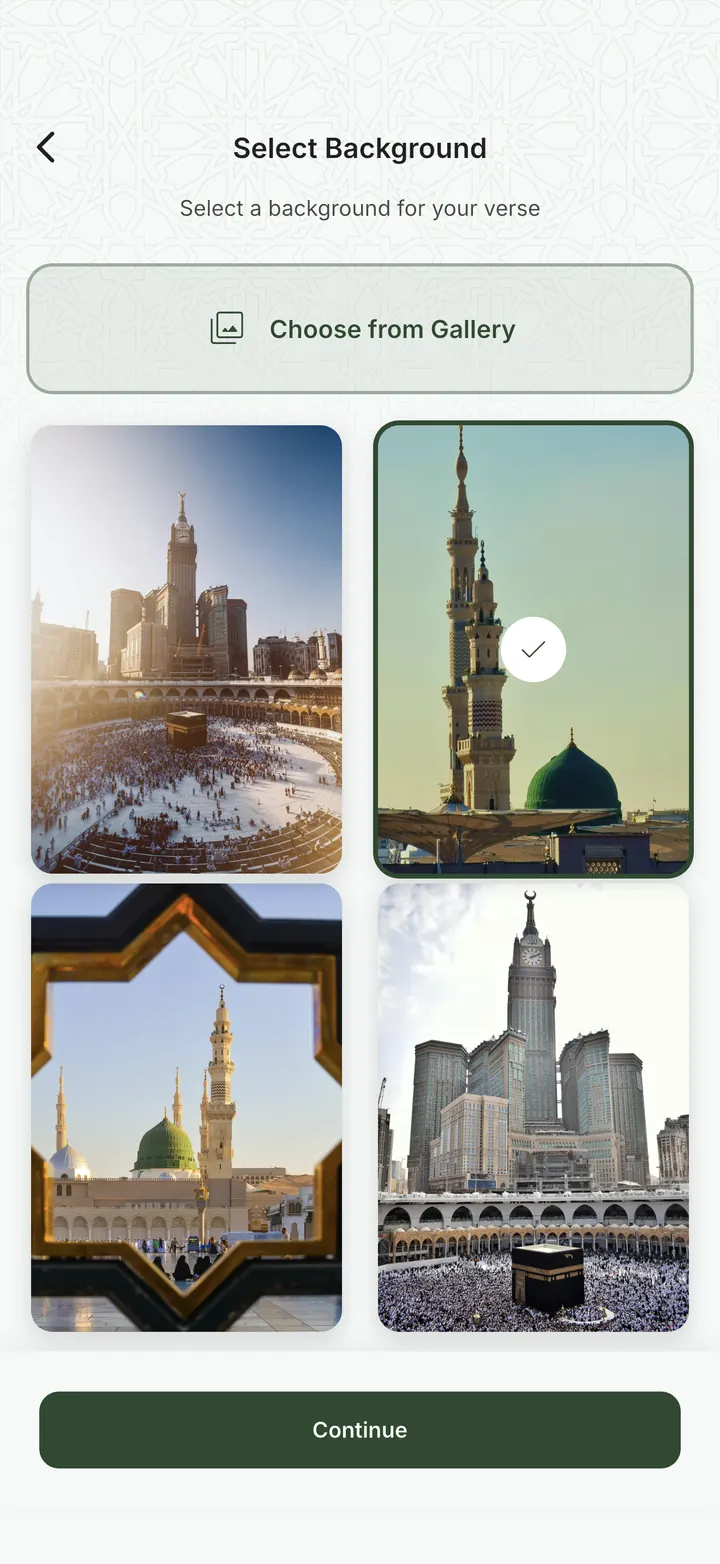
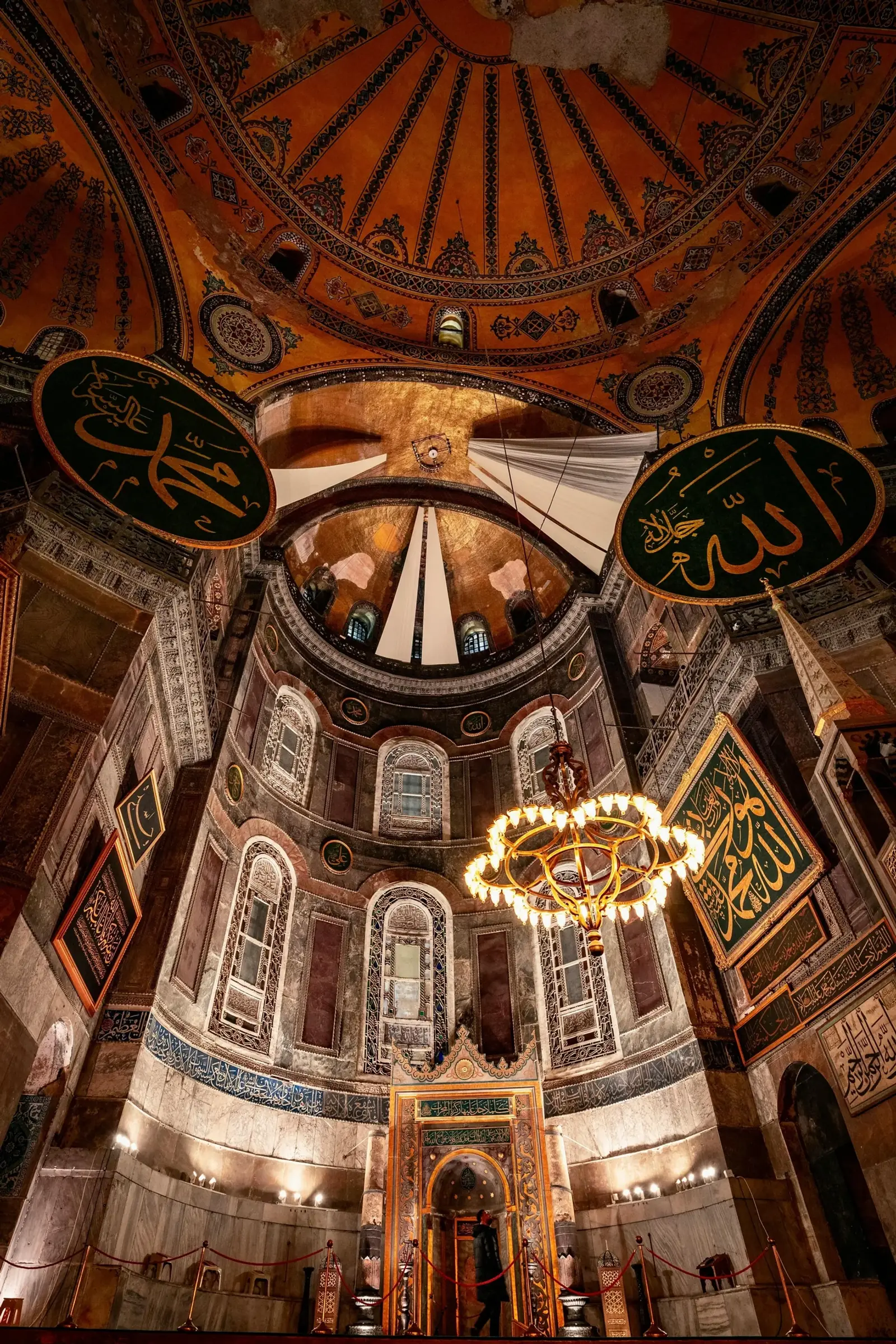
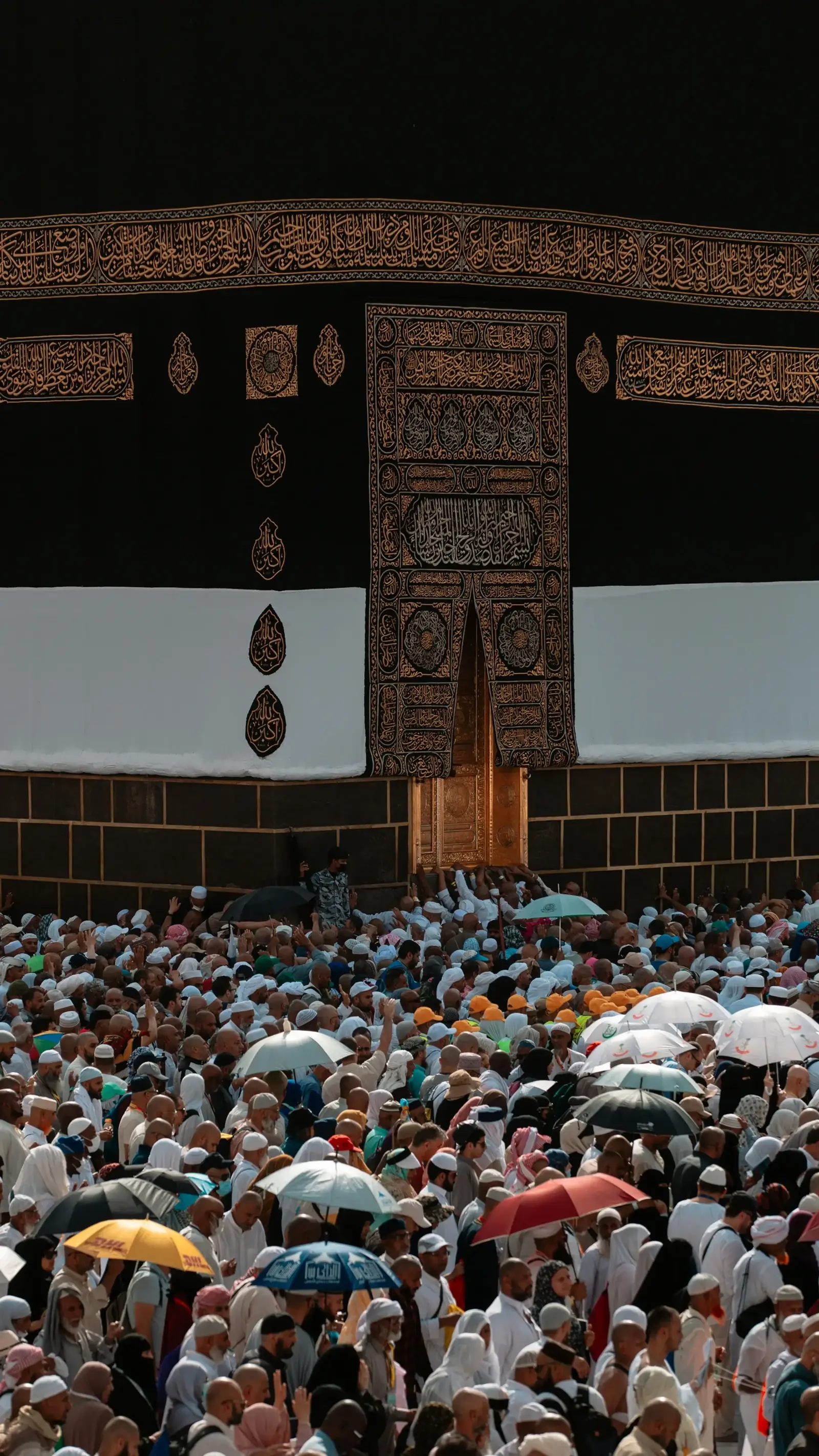
Open Create and pick a background: one of the 21 photographs that come with Sakina — the Kaaba, Masjid an-Nabawi, the great mosques — or Choose from Gallery for one of your own.
Pick your verses and a reciter
Choose the surah, then from one to ten consecutive ayahs, and the voice that recites them — the recitation plays in step with the verses.
- Mishary Rashid Alafasy
- Mahmoud Khalil Al-Husary
- Maher Al Muaiqly
- Abdul Basit (Murattal)
- Saood Ash-Shuraym
- Abdur-Rahman as-Sudais
- Abu Bakr Ash-Shaatree
- Ahmed ibn Ali al-Ajamy
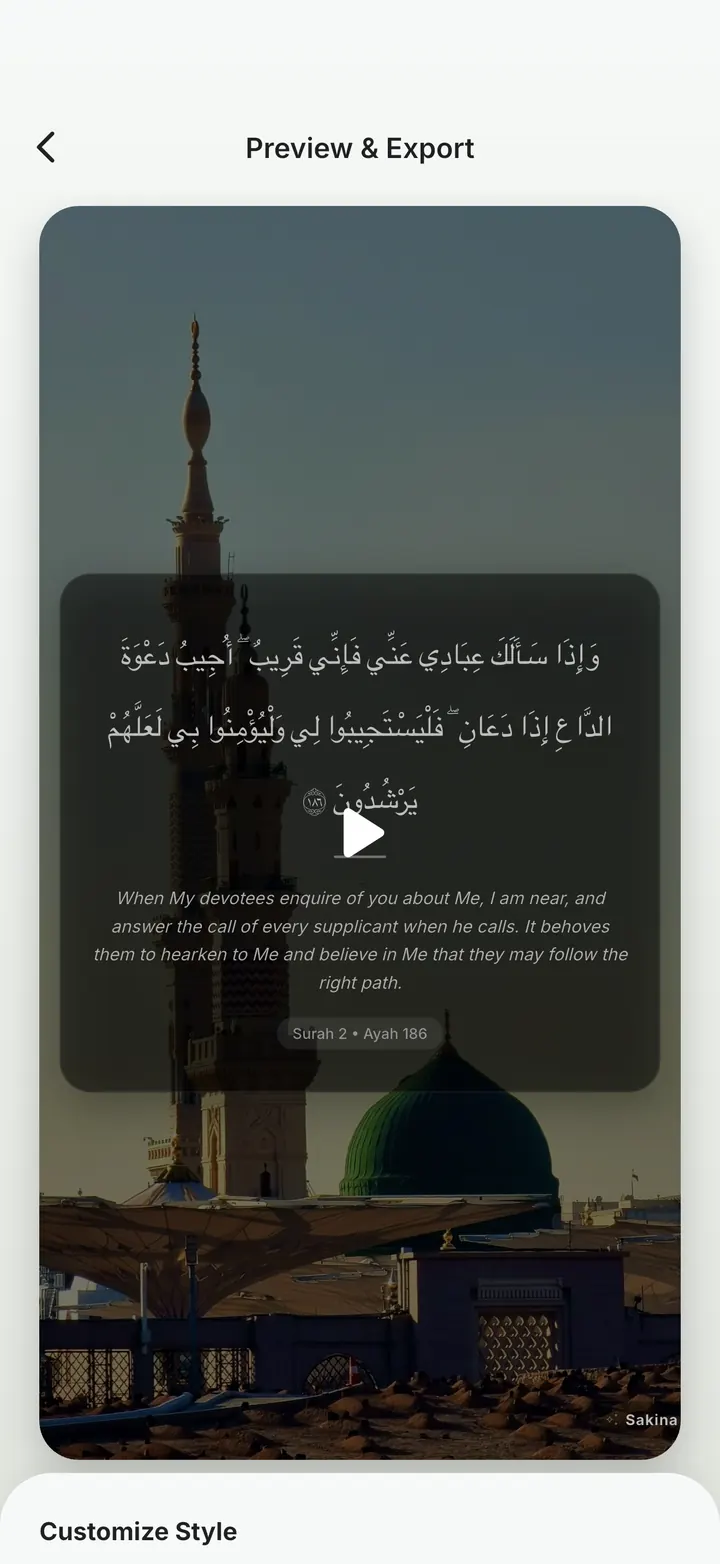
Make it yours
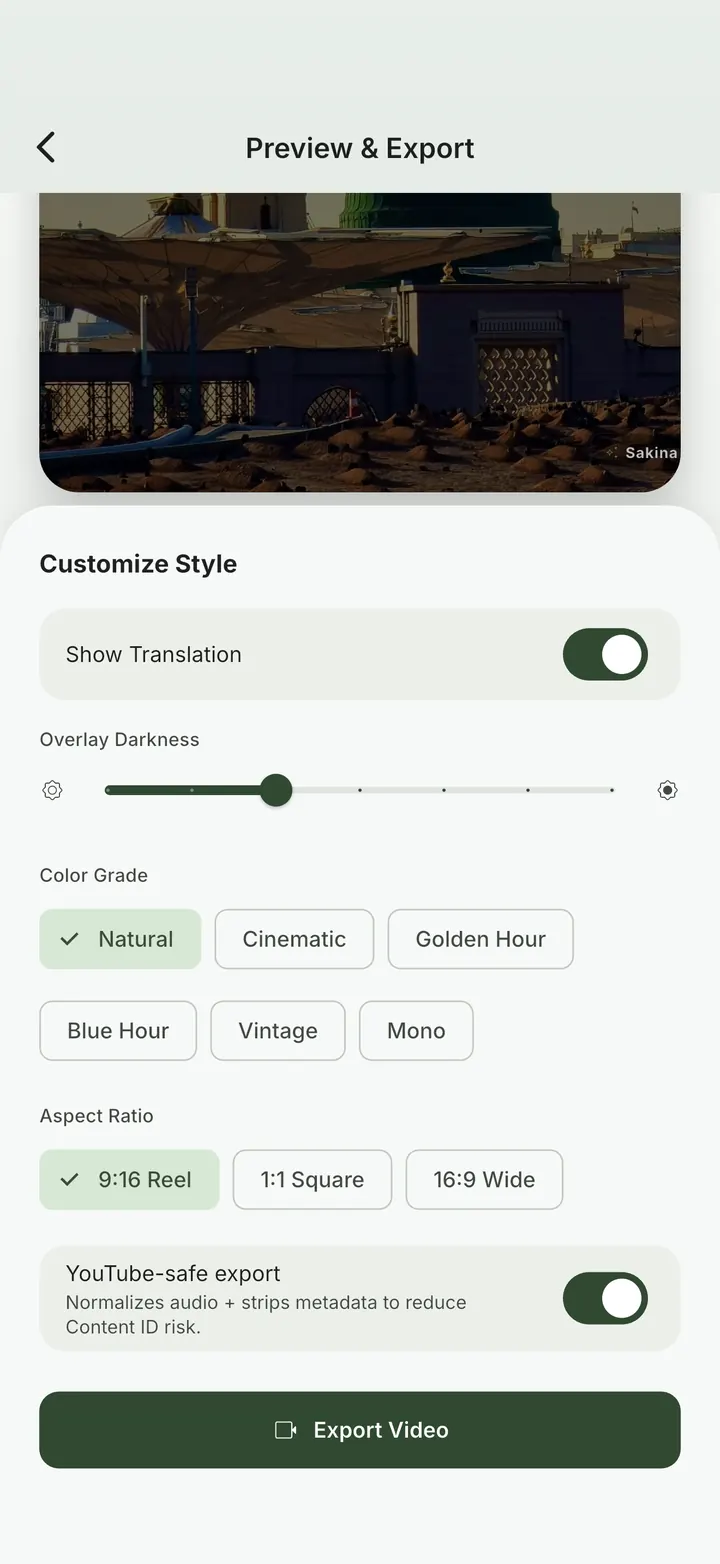
Show or hide the English meaning, set how dark the photograph sits behind the text, choose the frame, and give it one of 6 colour grades:
- Natural
- Cinematic
- Golden Hour
- Blue Hour
- Vintage
- Mono
Then Export Video. The video is made on your phone; nothing is uploaded.
Inspiration
Or simply scroll
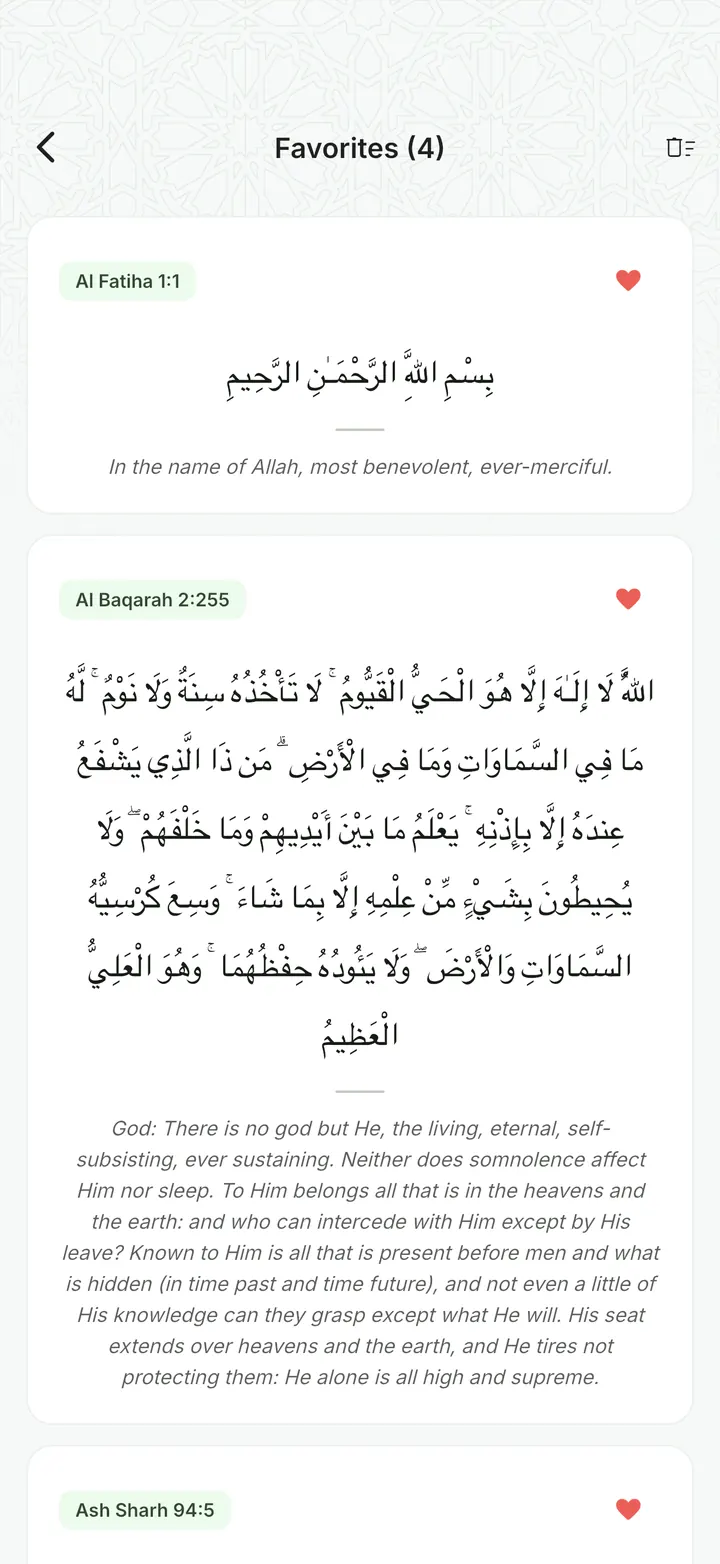
The Inspiration tab is an endless feed of verses, each over a photograph with its recitation playing — in place of the scrolling that leaves you emptier.
- Favourite a verse and find it again in one tap.
- Share it or save it as it is.
- Tap Make this yours to open it in the editor, ready to restyle.
Sakina Pro
Free to make. Pro to make without limit.
The free app exports 3 videos a day and shows ads. Sakina Pro makes exports unlimited and removes every ad. That is all it changes.
Sakina Pro, priced plainlyQuestions people ask first
Is Sakina free?
Yes. The verse feed, favourites, every reciter, photograph, colour grade and frame are free, and you can export 3 videos a day. Sakina Pro makes exports unlimited and removes the ads. Watching an ad never unlocks either.
Do I need an account?
No. There is no sign-up and nothing to log in to. Your videos are made on your phone and saved to it.
Which reciters can I choose?
Mishary Rashid Alafasy, Mahmoud Khalil Al-Husary, Maher Al Muaiqly, Abdul Basit (Murattal), Saood Ash-Shuraym, Abdur-Rahman as-Sudais, Abu Bakr Ash-Shaatree and Ahmed ibn Ali al-Ajamy.
Can I use my own photo?
Yes. Choose from Gallery sets any photograph from your phone behind the verse, or pick one of the 21 photographs that come with the app.
Will YouTube flag my video for copyright?
Turn on YouTube-safe export before you export: it normalises the audio and strips the file’s metadata, which reduces the risk of a Content ID match. No app can promise a platform will not flag a recitation.

Share a verse today.
Sakina is free on the App Store and Google Play.